Set Restricted Document
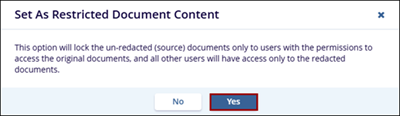
The Set as Restricted Document Content option locks the un-redacted (source) documents only to users with the permissions to access the original documents. All other users will have access only to the redacted documents.
Follow the steps below to restricted document content:
- Select a document and click on the Set as Restricted Document button from the document activities menu.
- On the Set As Restricted Document Content popup, click on the Yes button.
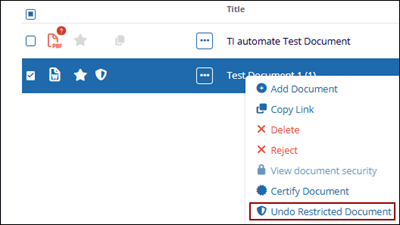
- To remove the restricted documents content, select a document and click on the
Undo Restricted Document option.
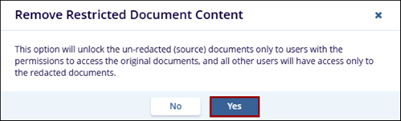
- On the Remove Restricted Document Content popup, click on the Yes button.