Certify Document
Explore Job Aids for more help:
Job Aids
For studies in which the document certification option is in use, a user can either choose to indicate that a document is a certified copy upon upload or it can be done via the Document Activities Menu.
Follow the steps below to certify a document:
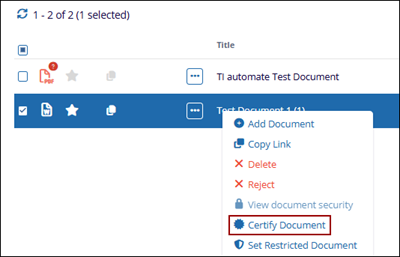
- Select a document and click on the Certify Document button from the document
activities menu.
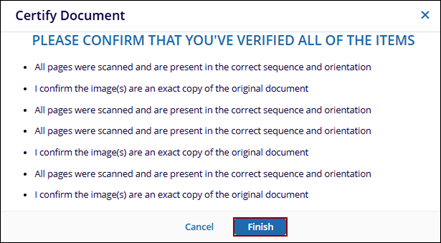
- Read the criteria and press Finish if the document meets all expectations.
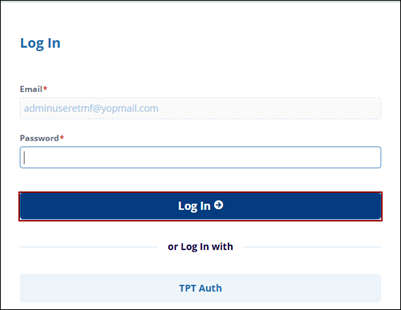
- Once click Finish, the Login page is opens in the another browser. Enter the
required fields and click the Log In button..