Countries Management
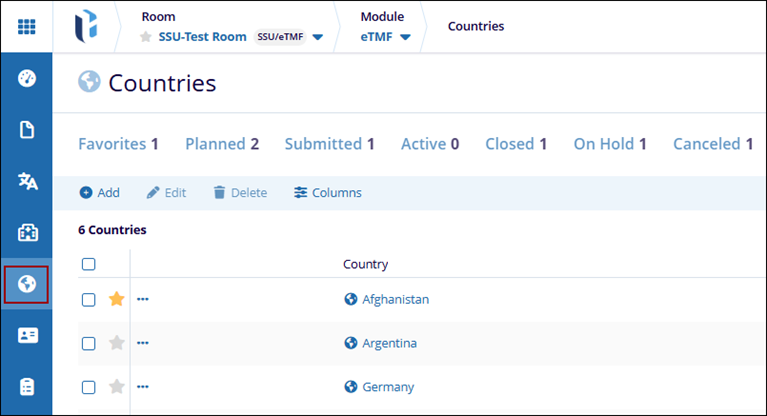
To access the countries modal, follow the steps below.
- Click on the modules dropdown and select the eTMF module.
- From the left-hand navigation menu, select the Countries modal.
- The Countries screen displays the configured organizations and its associated
data into the following columns.