The Print option in the eTMF document module allows users to generate a printable version of a selected document for offline review, sharing, or record-keeping.
To use the print option, follow the steps below:
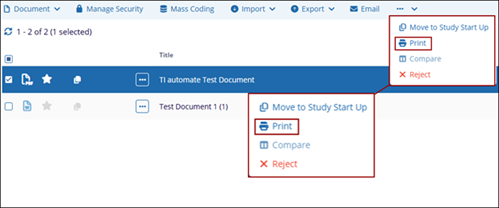
- Select the document by clicking and click on the three-dot menu and select the
Print option. .
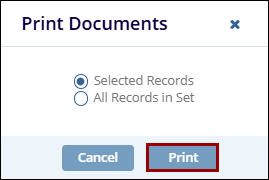
- On the Print Documents popup select either Selected Records or All Records in Set
radio button and click on the Print button.
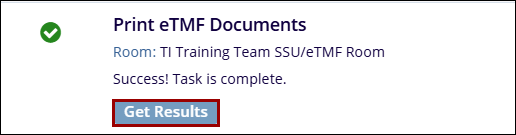
- On the Print eTMF Documents success message popup, click on the Get Results
button.
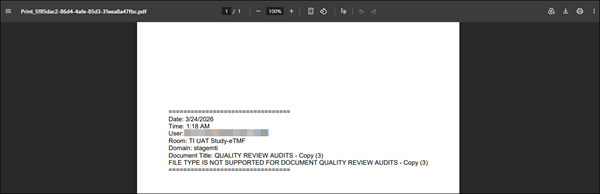
- A new tab will open displaying a single PDF file with the available pages.