
Move to Study Start-Up
This option is only available in rooms with Study Start-Up enabled.
To move documents to Study Start-Up, follow the steps below:
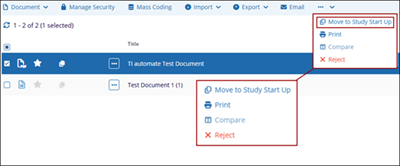
- Check the documents checkbox to select the document.
- Click on the three-dot menu and select the Move to Study Start Up option.
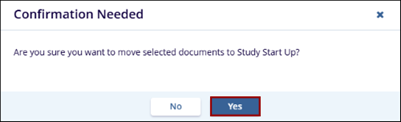
- Click on the Yes button on the confirmation popup.
-
The screen gets refreshed and the selected document is no longer visible in the grid list of eTMF module.

