
Transcript
The Transcript settings allow selecting the specific details to include in the report of a user's training logs or the training logs of their direct reportees.
-
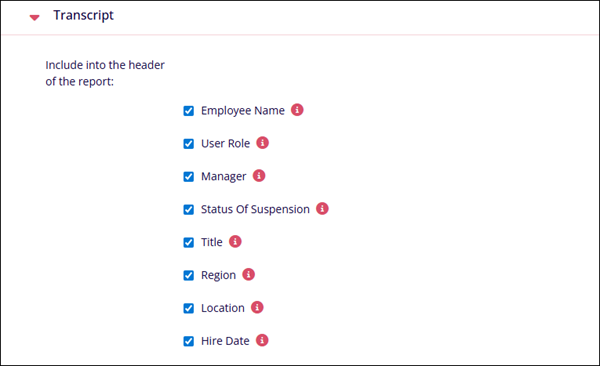
Include in the header of the report: Enable
the inclusion of the fields below into the transcript report header
by selecting the checkbox and vice versa.
- Employee Name
- User Role
- Manager
- Status of Suspension
- Title
- Region
- Location
- Hire Date
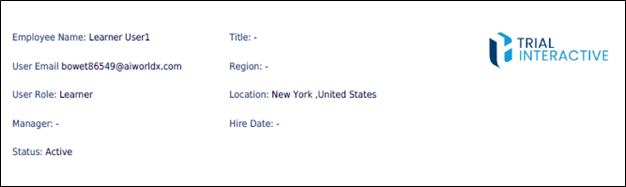
If these fields are included, the report header will display them along with their corresponding values.
-
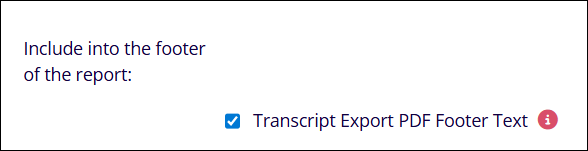
Include into the footer of the report: Enable the inclusion of a customized or
default text into the transcript reports footer and vice versa.
-
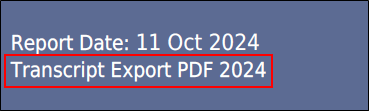
Transcript Export PDF Footer Text: Enter the text in the text box to be displayed as
reports footer text. Leave the text box blank for a default value to be displayed in the
footer of the report.

The transcript report footer displays the text if configured.
- My Direct Reports Label: Enter a name in this field to display the company-defined label
wherever ‘My Direct Reports’ appears. If the field is left blank, the default label ‘My
Direct Reports’ will be used.
.png)
-
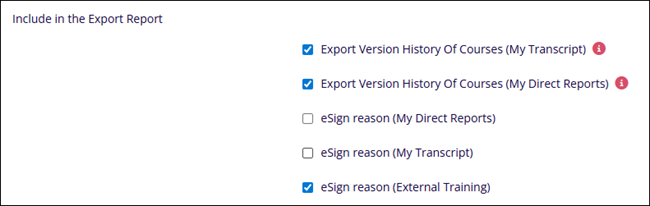
Include in the Export Report: Enable the inclusion of the below fields and their
corresponding values into the transcript report by selecting the checkbox and vice versa.
- Export Version History of Courses (My Transcript)
- Export Version History of Courses (My Direct Reports)
- eSign reason (My Direct Reports)
- eSign reason (My Transcript)
- eSign reason (External Training)
-
Include in my Transcript Report: Enable the Course Due Date setting by selecting the
checkbox to include the course due date in the transcript report.

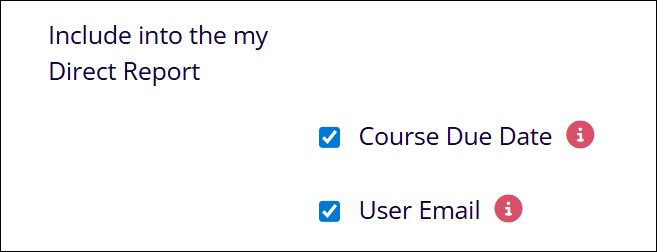
- Include into the my Direct Report: Enable the following two settings by
selecting the checkboxes to include them in the My Direct Export report.
- Course Due Date
- User Email
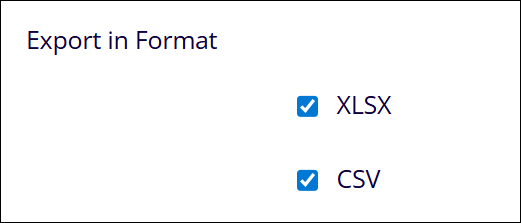
- Export in Format: Enable the following two settings to enable additional options
to retrieve transcripts in additional file formats.
- XLSX
- CSV
© 2025 Trial Interactive. All Rights Reserved

