
Color Scheme
The Color Scheme settings enable Admins to choose color schemes or customize them by specifying hex codes for various UI elements.
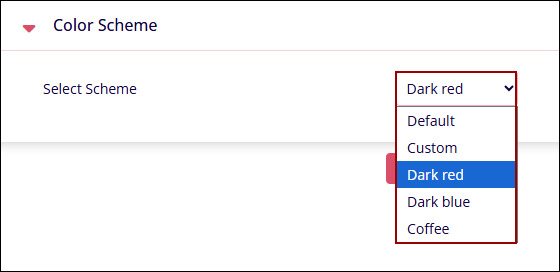
To choose a default color scheme, click on the Select Scheme dropdown and select any one of the following options.
- Default
- Dark Red
- Dark blue
- Coffee
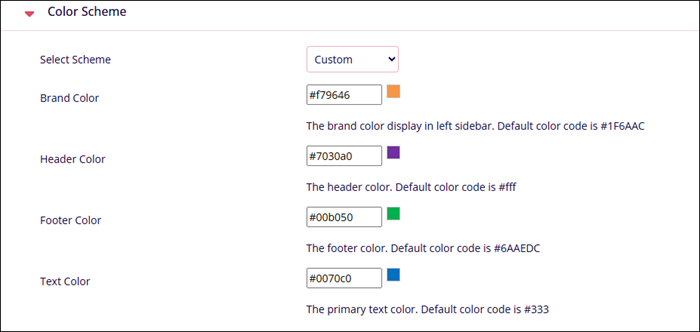
To customize a color scheme, select Custom and mention the color codes or select a color from the color pallet for the UI elements.
© 2025 Trial Interactive. All Rights Reserved

