
Group Mapping
The Group Mapping option allows Admins to associate users with Training Groups.
To map users to training groups, follow the steps below:
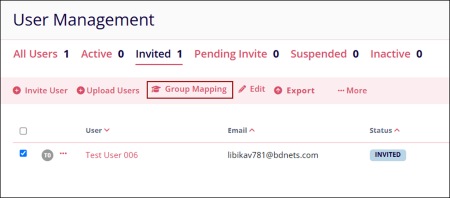
- On the User Management page, select a user and click on the ‘Group Mapping’
button.
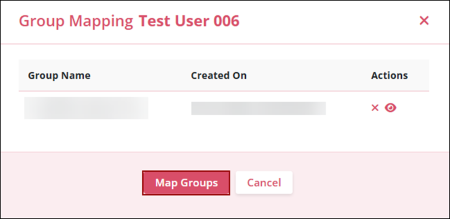
- Click on ‘Map Groups’ on the Group Mapping pop-up.
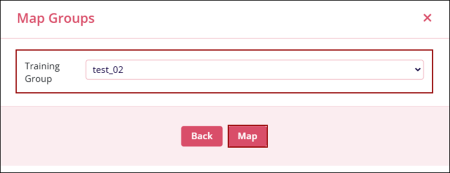
- Choose a training group from the ‘Training Group’ dropdown options and click
‘Map’.
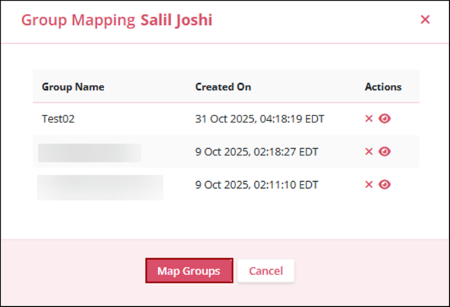
- The newly added group appears on the Group Mapping page. Click the ‘X’ icon to
remove the group, or the eye icon to toggle its visibility.
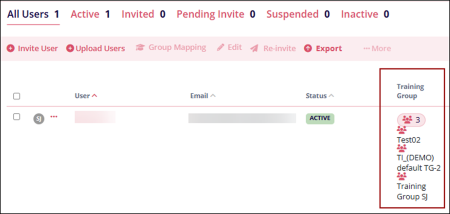
- The mapped groups appear under the Training Management column for the respective
user.
© 2025 Trial Interactive. All Rights Reserved

