
Re-Invite Users
To re-invite users, follow the steps below:
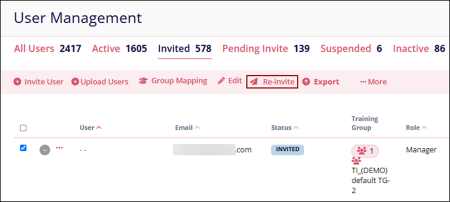
- On the User Management page, select a user with an invited status.
- Click ‘Re-invite’ from the top menu bar.
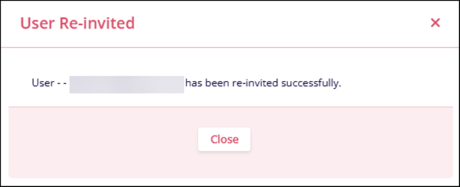
- The ‘User Re-Invited’ pop-up displays the success message and the user receives the
registration link.
© 2025 Trial Interactive. All Rights Reserved

