Export Tasks
To export tasks, follow the steps below:
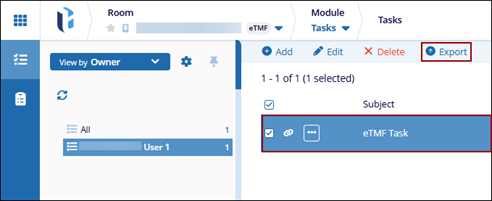
- Navigate to the Tasks module and select the Tasks tab.
- Select a task from the list and click the Exportbutton from the top menu
bar.
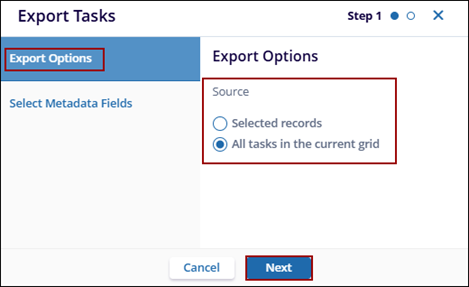
- On the Export Tasks window, select a source from the following options:
- Selected Records: Available when records are selected in the grid and exports only the selected records.
- All Tasks in Current Grid: Exports all records currently displayed in the grid.
- Click Next.
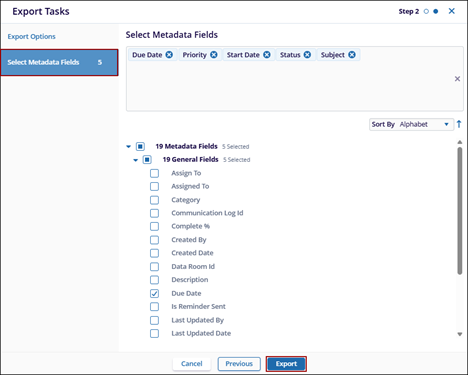
- On the Select Metadata Fields step, select the required metadata fields from the
list and click Export.
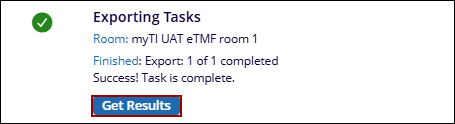
- On the Exporting Tasks confirmation pop-up, click Get Results to download
an excel file with tasks list.