Edit Tasks
To edit a task, follow the steps below:
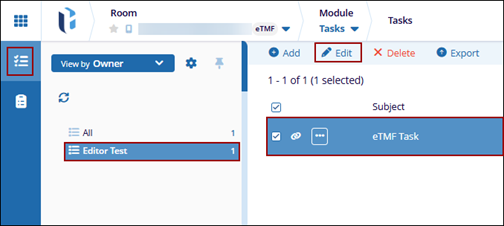
- Navigate to the Tasks module and select the Tasks tab.
- Select a task from the list and click the Editbutton from the top menu
bar.
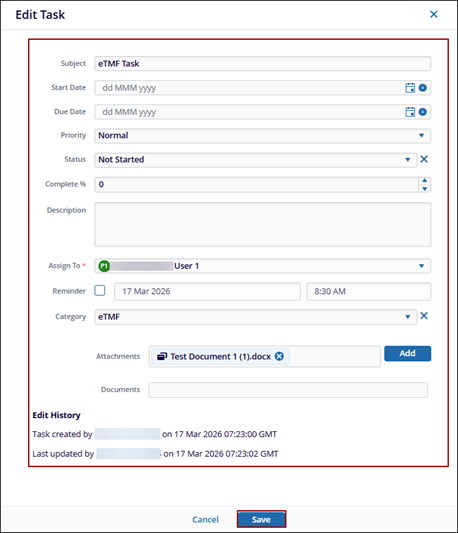
- On the Edit Task window make the required changes
- Click Save.