
Edit Activity or Resource
To edit an activity, follow the steps below:
- Navigate to the activity or resource added to the course section or topic and click
on the ellipsis (three vertical dots) icon.
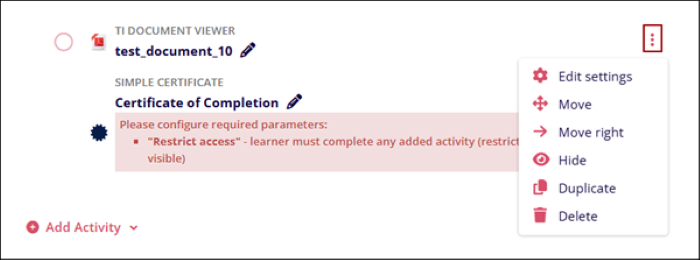
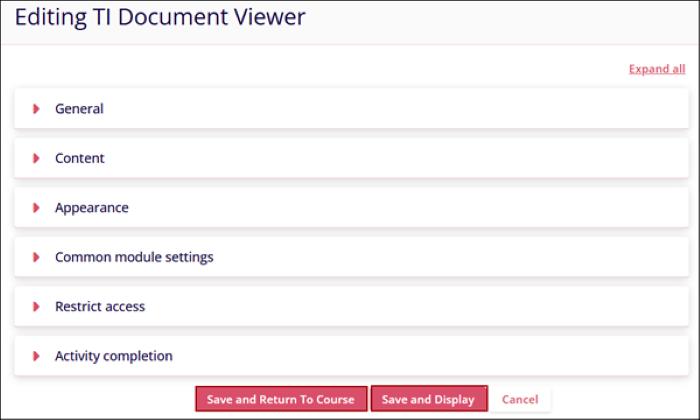
- Select the Edit settings option to change the initially configured settings. Click
on the Save and Return to Course or Save and Display button to save the
changes.
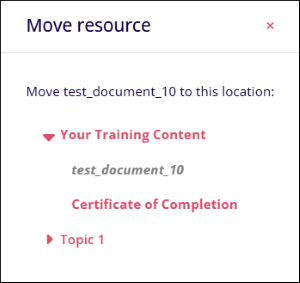
- Select the Move option to rearrange the order of the activity or resource or
move it to a different topic or section.
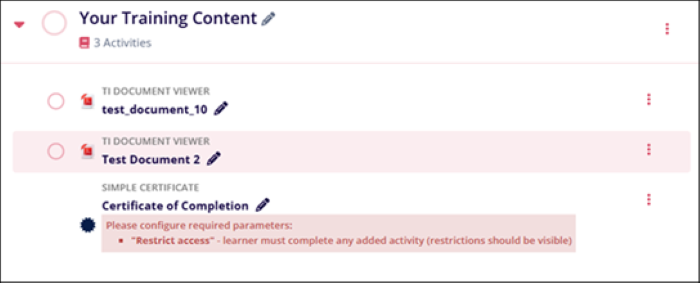
- Furthermore, use the drag-and-drop feature to place the resource or activity in the
preferred order.
- Select the Move Right optionto slightly adjust the alignment of the activity and shift it to the right side.
- Click on Hide to keep the activity or resource hidden from the learners.
- Click on Show the unhide the activity or resource from the learners.
- Click on Duplicate to make a copy of the activity or resource.
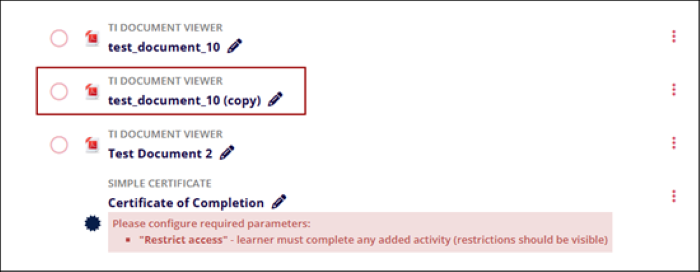
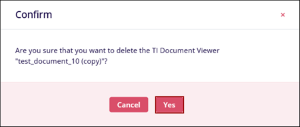
- Click on Delete to remove the activity or resource from the section or topic.
Click on the Yes button on the confirmation popup to confirm the
deletion.
© 2025 Trial Interactive. All Rights Reserved

