
Edit Course
Explore Job Aids for more help:
Job Aids
To edit a course, follow the steps below:
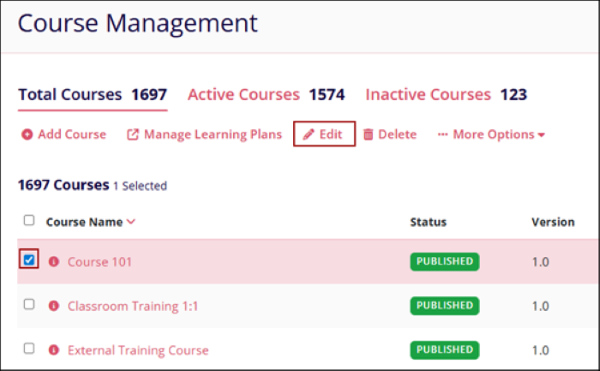
- From the Course Management screen, select a course by clicking on the checkbox.
- Click on the Edit button from the top menu bar.
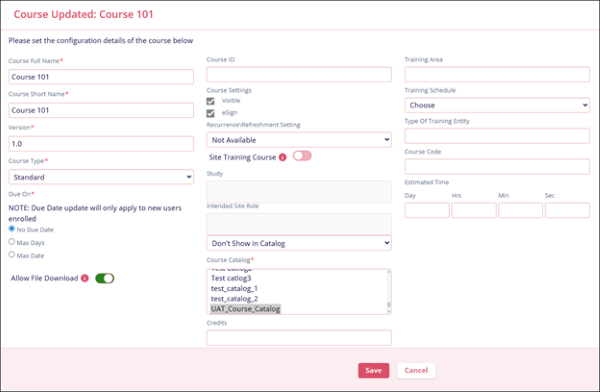
- On the Edit Course screen, make the required edits and click on the Save
button.
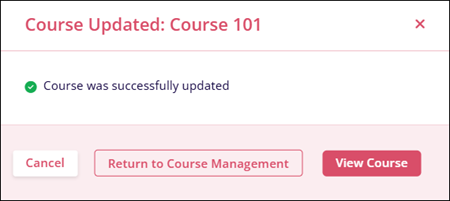
- The Edit Course screen displays the success message. Click on Return to Course
Management to view the Course Management main screen. Click on View Course to
see the course page.
© 2025 Trial Interactive. All Rights Reserved

