
View Course Details
Explore Videos for more help:
Videos
To view the course details, follow the steps below:
- Select a course from the Course Management page and click on the information icon.
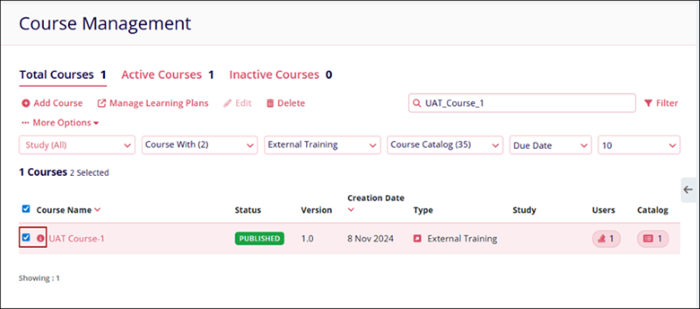
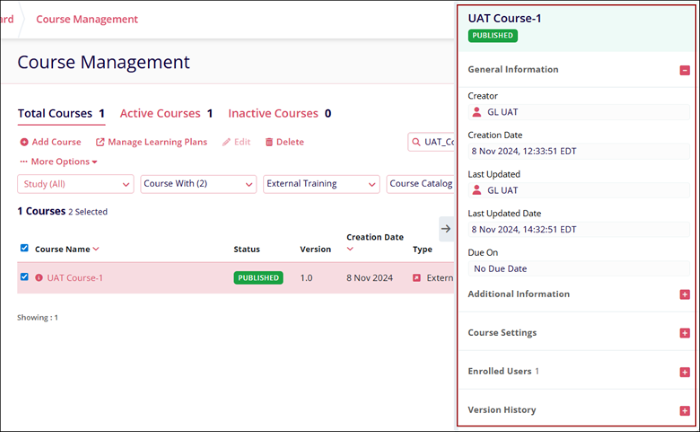
- The course metadata panel displays on the right-hand side of the course management
screen, which displays the following course details.
- General Information
- Additional Information
- Course Settings
- Enrolled Users
- Version History
- Click on the (+) icon to view each section.
© 2025 Trial Interactive. All Rights Reserved

