
Add Document from Content Library
To add a document from the Content Library, follow the steps below:
- Expand the Course Section or Course topic tile.
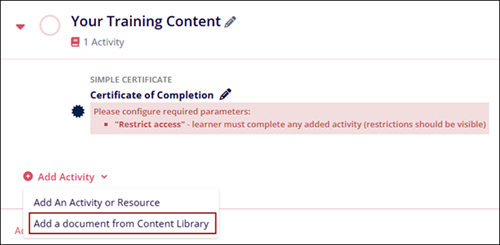
- Click on +Add Activity > Add a Document from Content Library.
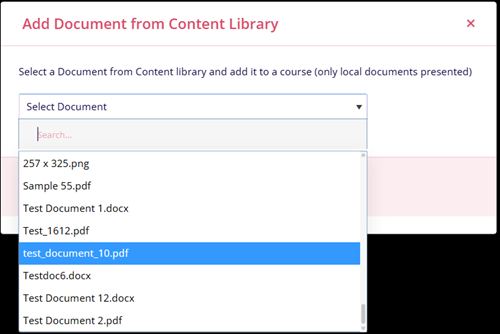
- Select the required document by clicking on the Select Document dropdown. All
documents/files added to the Training Library appear in the dropdown.
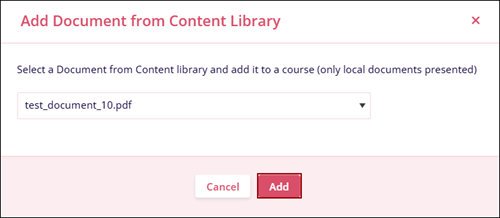
- Click on the Add button once the document is selected.
© 2025 Trial Interactive. All Rights Reserved

