
Course Topic
Add Course Topic
To add a course topic, follow the steps below:
- Click on the Add Topic option under a course section or topic.
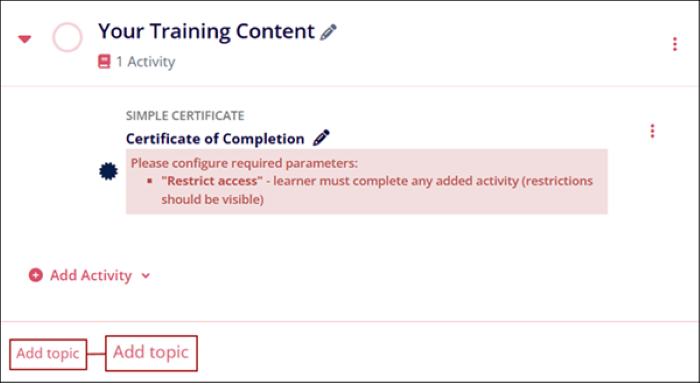
- Click on the ellipsis icon to edit a course topic. Follow the process detailed in the Edit Course Topic section.
- Click on the +Add Activity button to add different course activities and assessments to the topic. Refer to the process detailed in the Add Activity section.
Edit Course Topic
To edit a course subsection/topic, follow the steps below:
- Navigate to the courses subsection or topic and click on the ellipsis (three
vertical dots) icon.
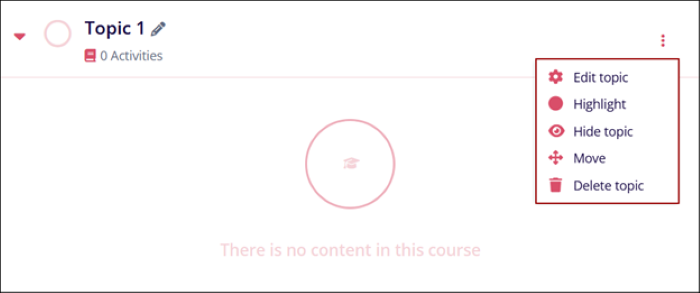
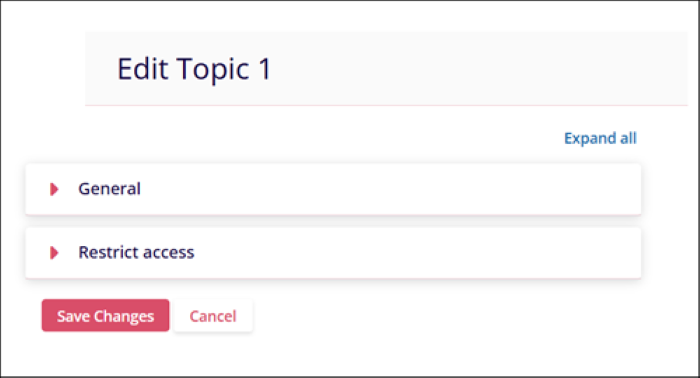
- Click on the Edit topic option and edit the General and Restrict access settings by following the standard process detailed in the Edit Course Section.
- Click on the Save Changes button.
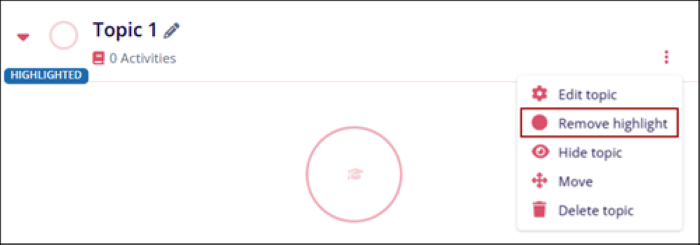
- Click on the Highlight option to highlight that course topic and it will display the
HIGHLIGHTED tag
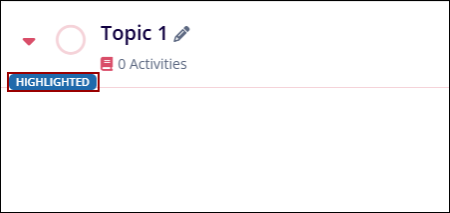 .
. - Click on the ellipsis icon and select the Remove highlight option to remove the
HIGHLIGHTED tag of the course topic.
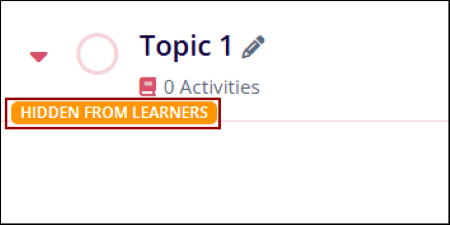
- Click on the Hide Topic option to keep that particular topic hidden from the
learners. The HIDDEN FOR LEARNERS tag appears on the course topic.
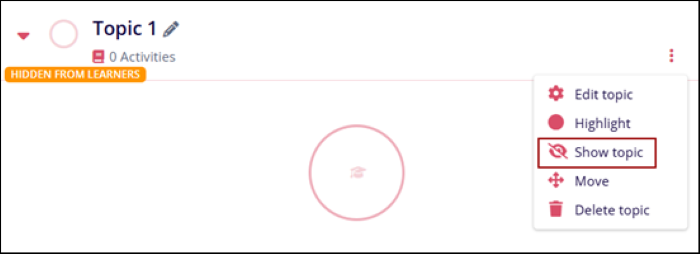
- Click on the Show topic option to unhide the course topic from learners.
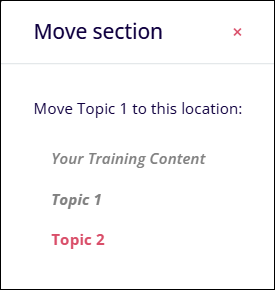
- Click on the Move option to rearrange the order of the course
topics.
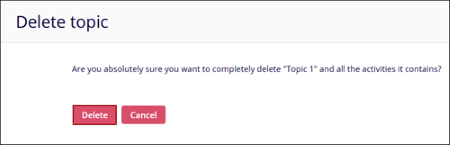
- Click on the Delete option to remove the particular topic from the course.
- Click on the Delete button on the Delete Topic confirmation
screen.
© 2025 Trial Interactive. All Rights Reserved

