
Country Settings
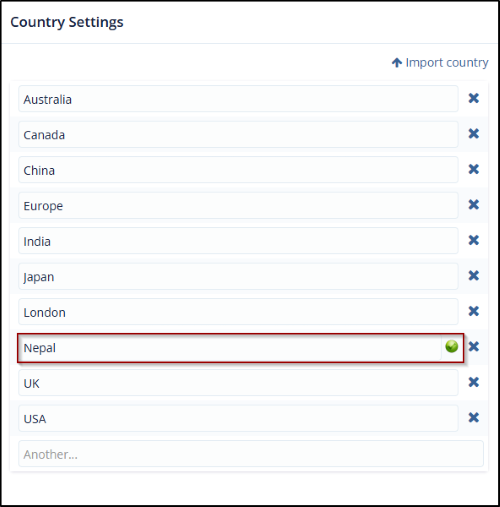
Country Setting tab allows users to define the list of countries that can be used when adding a Country field in a form. Countries can be added either manually or imported in bulk.
The user can add countries in the following ways:
1. Adding Countries Manually
- Navigate to the Country Settings tab.
- Locate the empty text field under the country list.
- Enter the name of the country you want to add.
- Press Enter or click outside the field to save the entry.
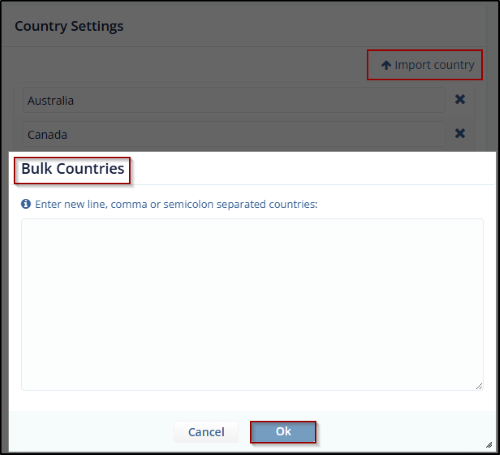
2. Importing Countries in Bulk
- Click the Import Country button at the top of the Country Settings panel.
- Upload your country list file in the supported format (e.g., CSV).
- Click OK to confirm and import the countries into the system.
© 2025 Trial Interactive. All Rights Reserved

