
Queries Cart
The Queries Cart enables users to select and group multiple queries, allowing assignees to be added to all selected queries in bulk.
To add queries to the Queries Cart, follow the steps below:
- Select multiple queries from the grid and drag & drop them to the Queries
cart.
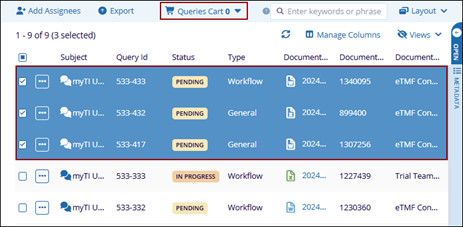
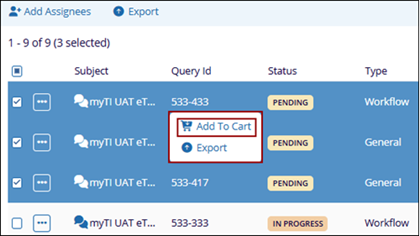
- Alternatively, to add queries to the cart, select the required queries and right-click.
- From the context menu, choose Add to Cart.
- Click on Queries Cart button from the top menu bar that displays queries added to the cart.
- Click the Actions dropdown and select +Add Assignees.
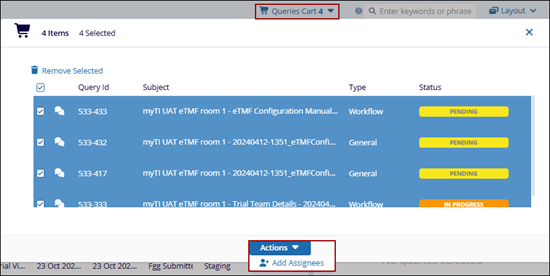
- Repeat steps detailed in the Add Assignees section to add users as assignees to the queries.

