
Change Log
To view the change log history, follow the steps below:
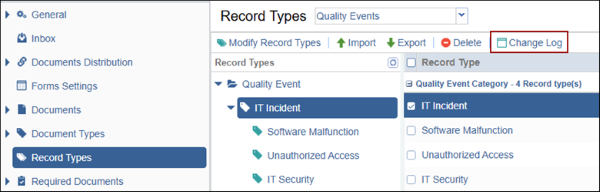
- Select a record type by expanding categories and associated sub-categories, and
click on the Change Log button from the top menu bar.
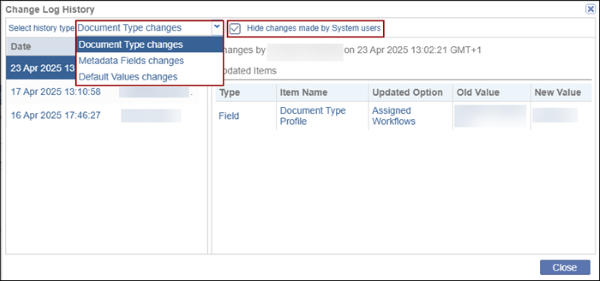
- On the Change Log History window, select a history type from the available dropdown options.
- Check or uncheck the Hide Changes made by System Users checkbox to hide or display
the changes made by Super Admins, respectively.
© 2025 Trial Interactive. All Rights Reserved

