
DocuSign Signing Process
- The Manager sends a survey link to the submitter that includes the Confidentiality Agreement (CDA) as part of the survey.
- When the submitter opens the link, the Confidentiality Agreement page loads in their browser.
- The CDA tab appears on the left-hand side panel if a CDA is configured for the survey.
- The submitter expands the Sign Electronically section, where two signing options
are available:
- Sign
- Sign via SSO
- The notification mail for signing CDA is sent to the approver added while creating CDA.
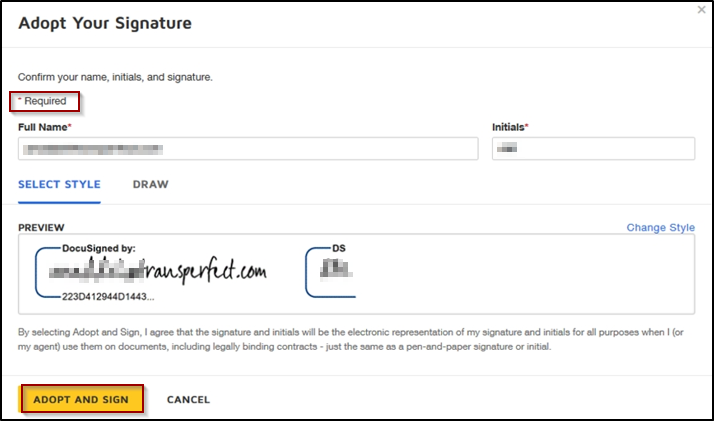
- When the approver signs the CDA using DocuSign, the submitter gets a notification of CDA acceptance.
- The submitter is now able to complete the survey provided in a
link and submit it.
© 2025 Trial Interactive. All Rights Reserved

