
Approve Site Visit Report
To approve a site visit report, follow the steps below:
- As a CSM, navigate to the Site Visit General Information screen by following the steps detailed in the Site Visit Navigation section.
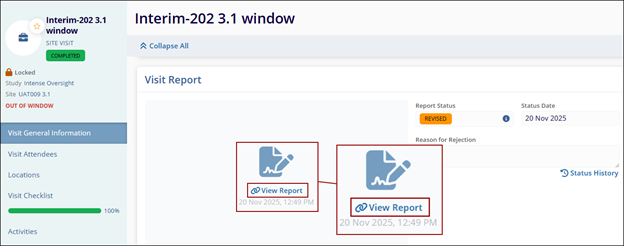
- Navigate to the Visit Report section, click the ‘View Report’ link to open
the report in TI Viewer.
-
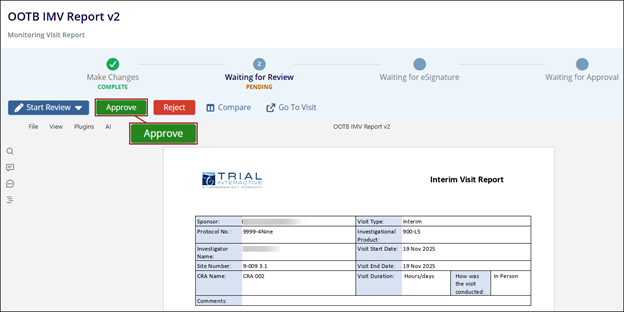
Click on the Approve button.
-
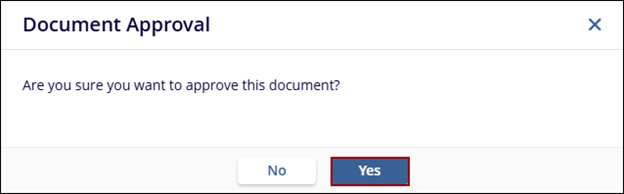
Click Yes on the confirmation pop-up.
-
Follow steps 7 to 17 from the Sign Document and Approval Workflow to sign and approve the report.
© 2025 Trial Interactive. All Rights Reserved

