
Delete FAQs
To delete FAQs, follow the steps below:
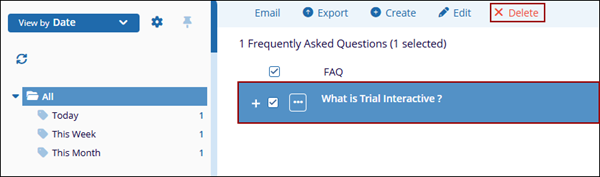
- Select a FAQ from the available list and click on the Delete button from the top
menu bar.
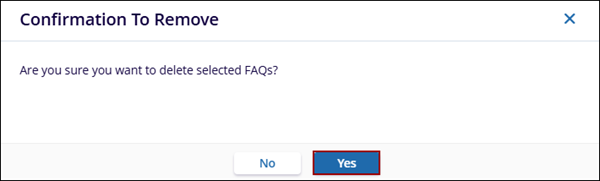
- Click on the Yes button on the confirmation popup.
To delete FAQs, follow the steps below:
© 2025 Trial Interactive. All Rights Reserved

