
Visit Checklist
The Visit Checklist is a set of Yes/No questions to be selected. The user has to answer all the questions to display the 100% in the list and to proceed further to the next steps.
To complete the Visit Checklist, follow the steps below.
- On the Site Visit screen, click on the Visit Checklist tab. This opens the Visit
Checklist page.
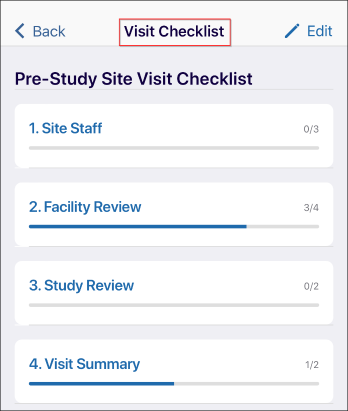
- Click on each tab and answer the questions by selecting Yes or No options.
- Mandatorily enter a comment in the designated area.

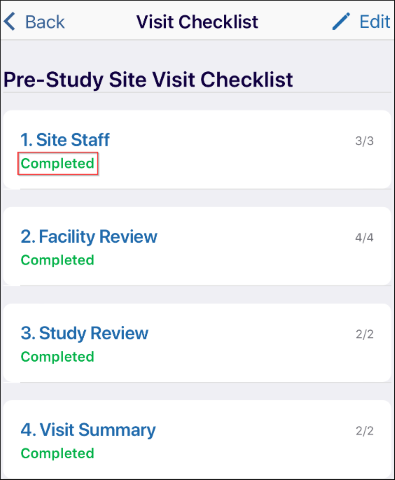
- After completing all the questions from all the tabs displayed, the visit checklist
displays ‘Completed’ for all the tabs.
© 2025 Trial Interactive. All Rights Reserved

