
Refresh Form
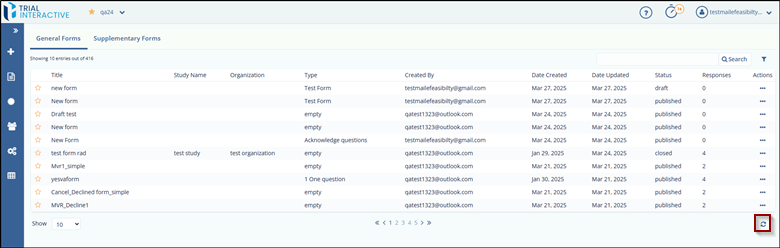
Refreshing the Forms page resets all changes and settings applied to the page, including filters, sorting, or column customizations.
To Refresh a form, follow these steps:
- Navigate to the Forms Dashboard.
- Locate the Refresh icon at the bottom-right corner of the page.
- Click the Refresh icon.
- The page will reload, and all applied settings will be cleared, returning the view
to its default state.
© 2025 Trial Interactive. All Rights Reserved

