
Edit a Draft Form
Newly created forms are initially saved as Drafts before being published. Users can edit these draft forms at any time before publishing.
To edit a draft form, follow these steps:
- Navigate to the Forms Dashboard.
- Locate the draft form you want to edit from the list.
- Click on the form title.
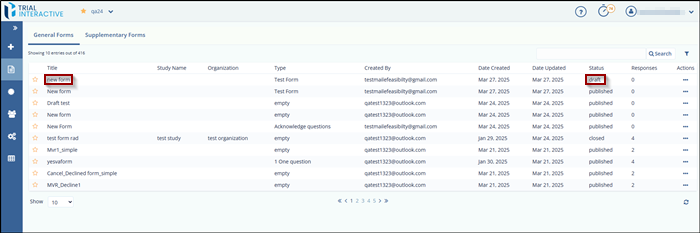
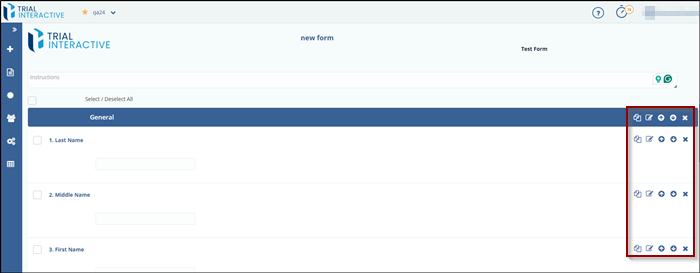
- The form will open in edit mode.
- Make the required changes to the form content or fields.
- Once done, the user can either save the form as a draft again or publish it,
depending on readiness.
© 2025 Trial Interactive. All Rights Reserved

