
Import Site List
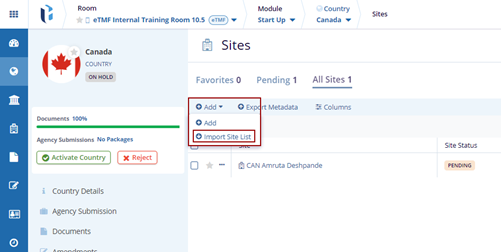
- Click the drop-down arrow beside the Add button and click the Import Site
List button.
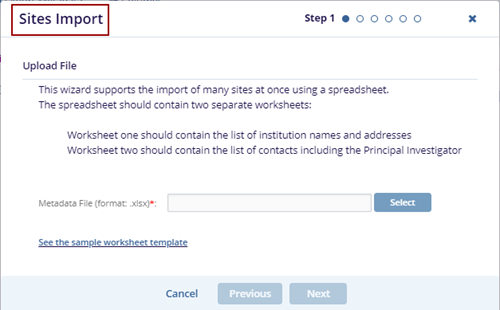
- The Sites Import pop-up window is displayed.
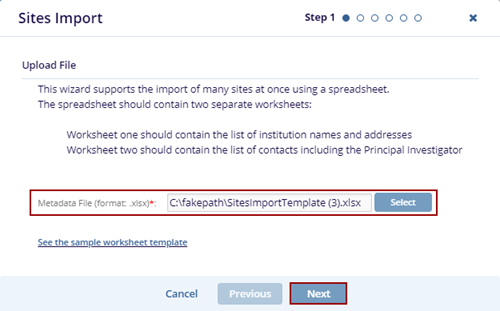
- Click the Select button and select the document from Windows Explorer, which
should be a .xlsx file, and click the Next button.
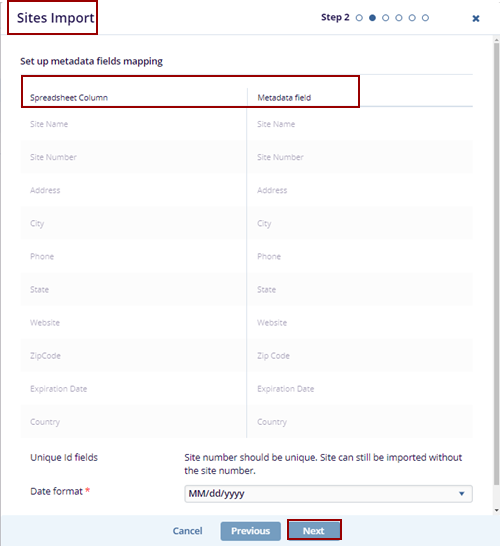
- The Sites Import pop-up window is displayed with two columns: Spreadsheet
Column and Metadata Field.
- Click the Next button, and the Contacts Import page is displayed with the
contacts' information. And click the Next button.
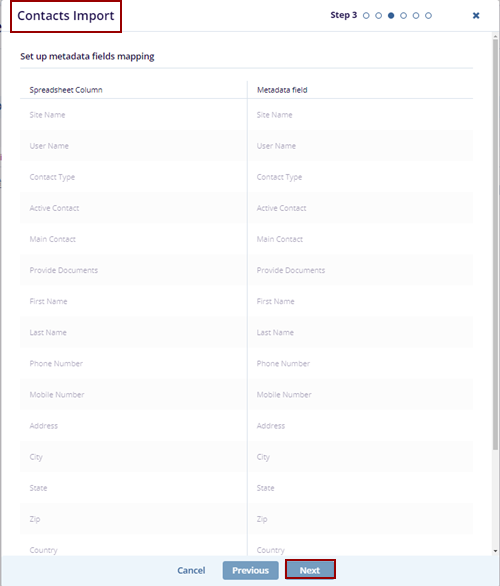
- Click the Next button, and the Sites Import page is displayed with the
contact information. And click the Next button.
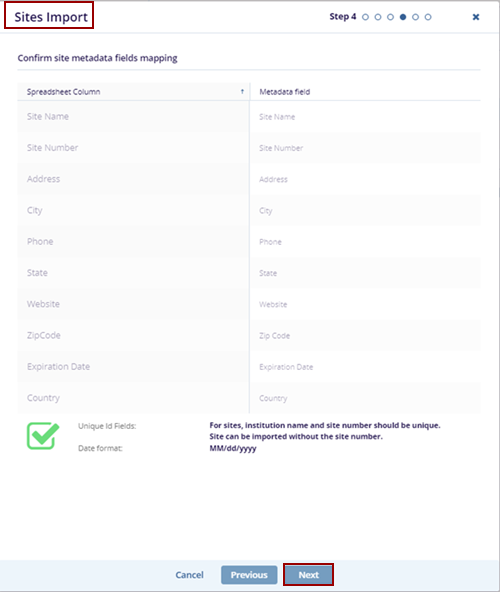
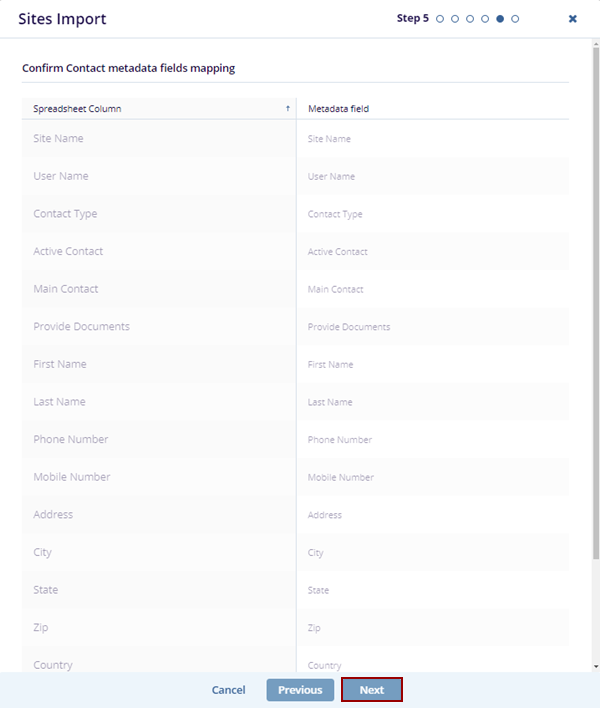
- Confirm that the Contact metadata fields are mapping and click
the Next button.
- The Information pop-up window is displayed with the message and the OK button.
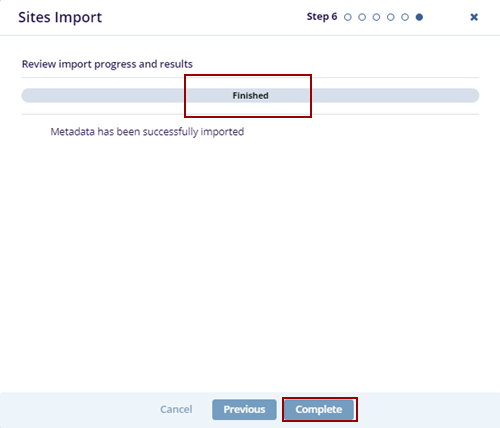
- Click the OK button, and the Sites Import pop-up window displays the Finished
bar. Click the Complete button.
© 2025 Trial Interactive. All Rights Reserved

