
Accessing Study Startup Module
This section provides the details of Accessing Study Startup Module.
Once the basic settings and contacts are configured for Study Start-Up, users can now move forward to operate the module.
To access the Study Start-up module, follow the steps below.
- Navigate back to the waffle menu, and select the
Start-Up module.
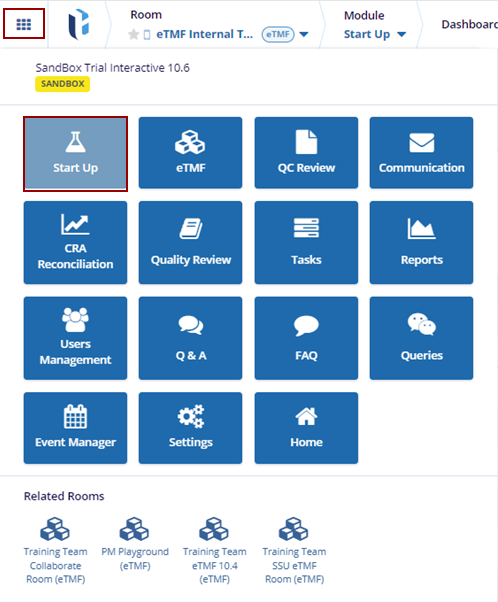
- The Start-Up module displays the relevant dashlets.

TransPerfect’s Trial Interactive is an industry leader in practical, global eClinical innovation
PRODUCTS
 Linkedin
 X
X
Didn’t find what you need?
Our dedicated Project Management and Client Services team will be available to meet your needs
24 hours a day, 7 days a week.
Toll Free:
(888) 391-5111
help@trialinteractive.com
© 2025 Trial Interactive. All Rights Reserved

