
Create Site Contact
To create a site contact, follow the steps below:
- Select the Contacts tab on a particular site and click on the Create Site Contact button.
- On the Create Site Contact screen, click on the Search for Contacts link.
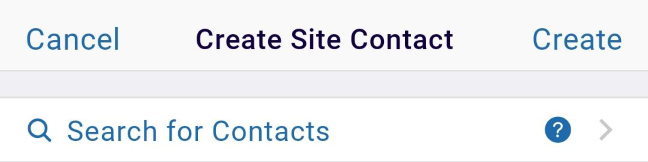
- On the Search Contacts screen, select a contact from the available list. Enter the search
term in the search box to search for a specific contact.
.png)
- If the Search for Contacts option is not used, enter the mandatory details in the General
Information section.
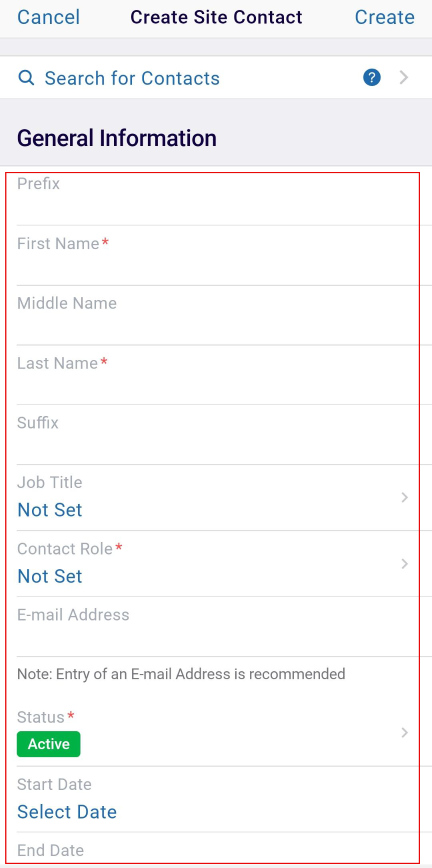
- Manually enter the First Name and Last Name.
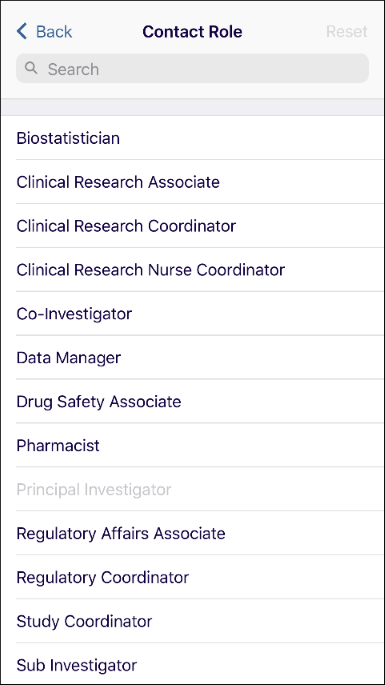
- Click on the Not Set link in the Contact Role field and select a contact role from the
available options.
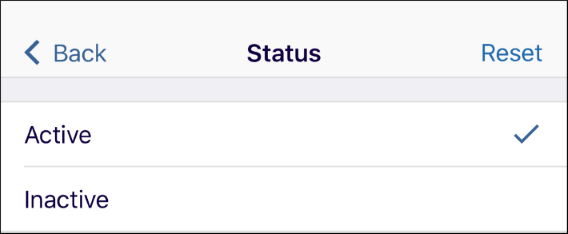
- Click on the > arrow in the Status field and set the status to Active or
Inactive.
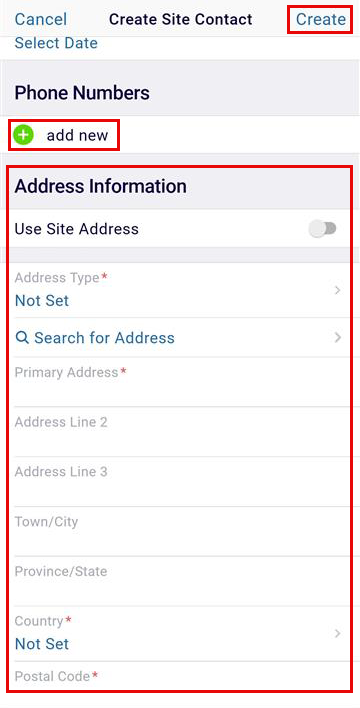
- Add phone numbers in the respective section by clicking on the +add new button.
- Enter the address details in the Address Information section.
- Click on the Create button once all the details are entered.
© 2025 Trial Interactive. All Rights Reserved

