
Add Subject
To create a new subject, follow the steps below.
- Select the Subjects tab on a particular site and click on the Create Subject button.
- On the Create Subject screen, fill in the following mandatory details.
-
Subject ID*: Enter a value in the Subject ID field.
.png)
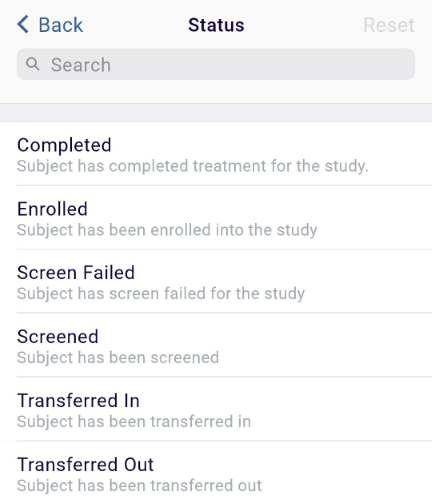
- Status*: Click on the > arrow and select a status from the available options.
Search for a specific status by entering the term in the search box.
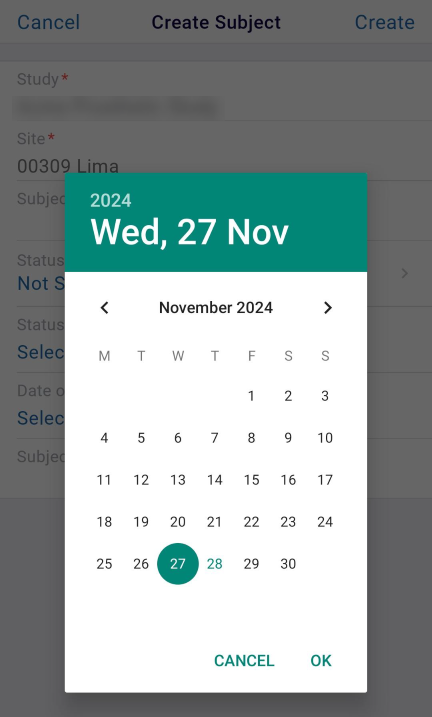
- Status Date*: Click on the Select Date link and select a date from the date selection
tool.
-
Subject ID*: Enter a value in the Subject ID field.
- Optionally add the Date of Birth and the Subject Initials.
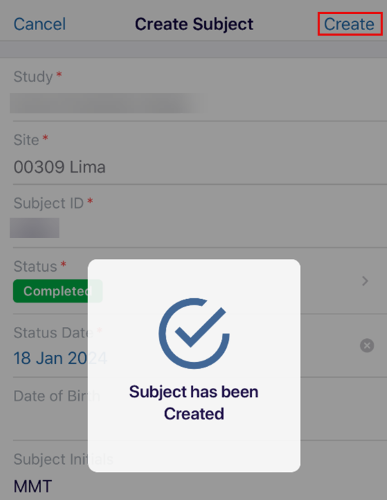
- Click on the Create button once all the details are entered.
- The success notification is displayed once the subject is successfully created.
© 2025 Trial Interactive. All Rights Reserved

