
Set Up Layout
The Set-Up Layout allows users to customize the visual structure of the dashboard by choosing a column-based layout. This ensures that the dashboard is organized according to user preferences. The user has the option to select from one, two, or Three Columns.
Steps to set up Layout:
- From the Set Up Your Dashboard window. Click
on the Set-Up Layout.
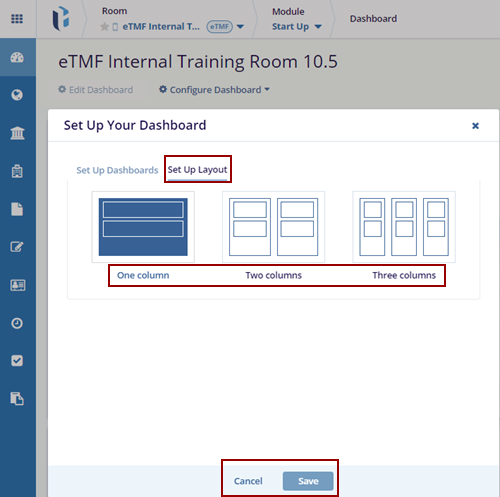
- Select one of the available options for Layout:
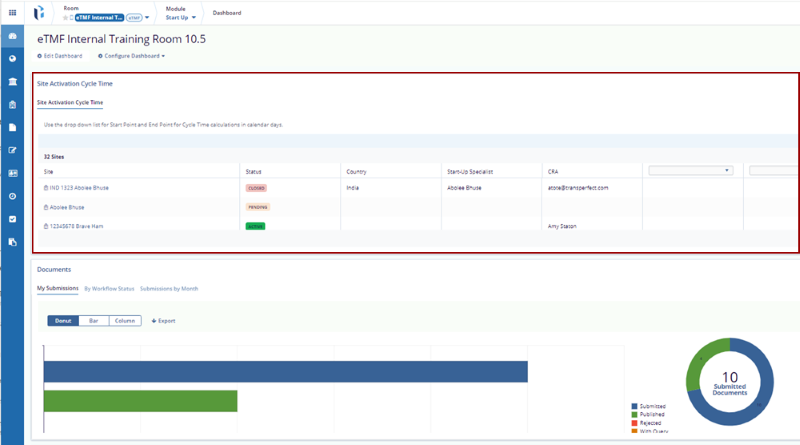
- One Column: Arrange all dashlets in a single vertical column.
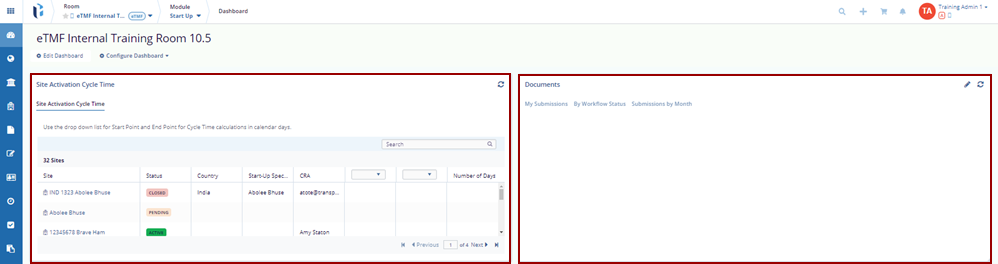
- Two Columns: Splits dashlets into two evenly spaced columns.
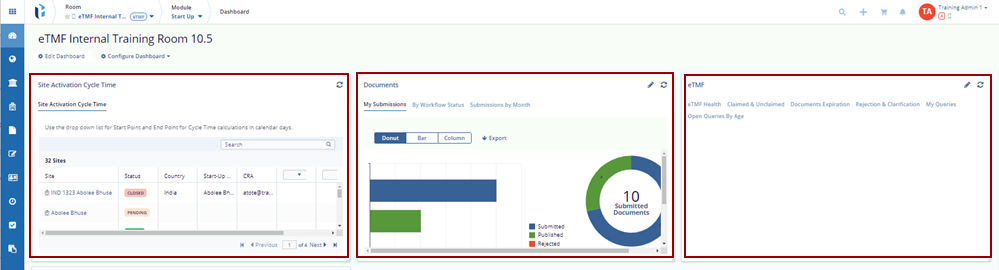
- Three Columns: Divides dashlets across three narrower columns.
-
Click the Save button to confirm and apply the selected layout, or use the Cancel button to discard the changes.
- Click on the Save button at the bottom of the pop-up window to save the changes, or click Cancel to discard your changes.
© 2025 Trial Interactive. All Rights Reserved

