
Use Avatar
To add or change the display profile picture, follow the steps below:
- Click on the My Profile tab on the myTI home page.
- Click on the Use Avatar option located under the Settings section.
- On the Use Avatar screen, click on the Upload Image.
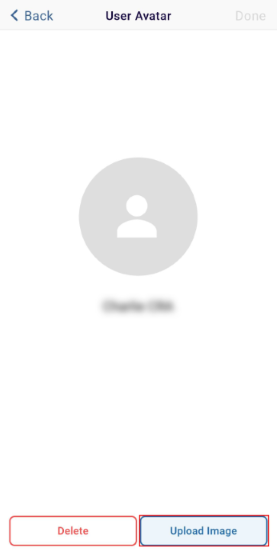
- Select the Camera option to click a photo or the Photo Library option to upload an image from the mobile device.
- Click on the Done button once the image is uploaded.
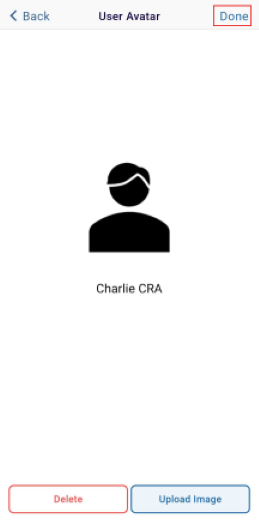
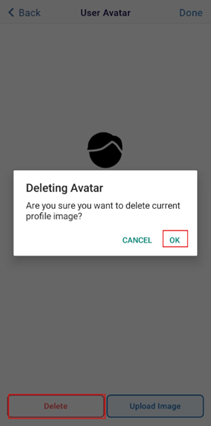
- Click on the Delete button to delete the current profile image and
- Confirm the deletion by clicking on the OK
button on the confirmation popup.
© 2025 Trial Interactive. All Rights Reserved

