
Add Activity
To add an activity, follow the steps below.
- Select the Activities tab on a particular site and click on the Create
Activity button.
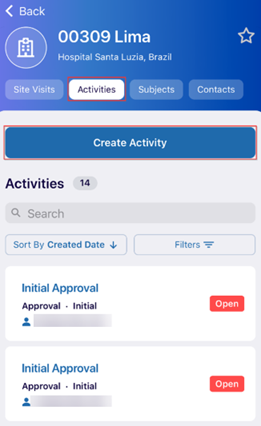
- Add details to the following fields on the Create Activity
screen.
- Activity Name*: Add a name to the activity
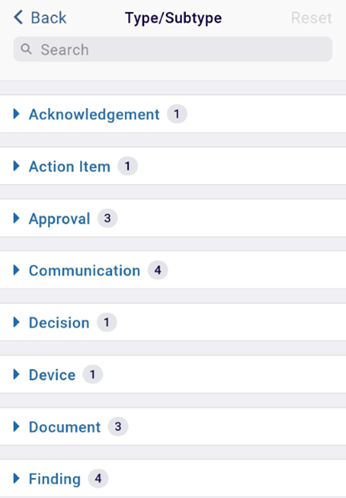
- Type/Subtype*: Click on the > arrow and select the type and subtype from the
available list.
-
Description*: Add a description to the activity.
- Click on the Create button once all the details are entered.
.png)
- Once the activity is successfully created, it is displayed on the main page of the Activities tab.
© 2025 Trial Interactive. All Rights Reserved

