
User Account
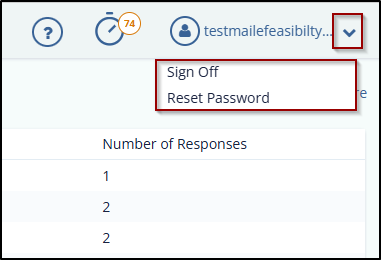
User Account appears as a dropdown with the name of the user logged in. It allows you to Sign Off and reset Password of the application.
To reset the password, follow these steps:
- Click Reset Password from the dropdown.
- On the Password Reset page, enter your email address in the field.
- Click the Send request button to send the request, and the password reset link will be sent to the registered email address.
-
Open the email, click the reset link, and follow the on-screen instructions to reset your password.
© 2025 Trial Interactive. All Rights Reserved

