
Search and Filter
Search
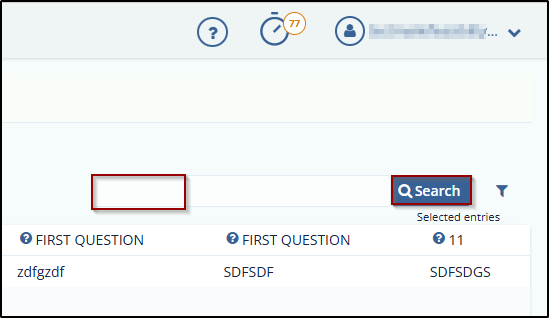
Users can search for specific form reports by entering the recipient's name in the search box above the report table and clicking the Search icon.
This allows users to quickly filter and locate reports related to particular recipients.
Filter
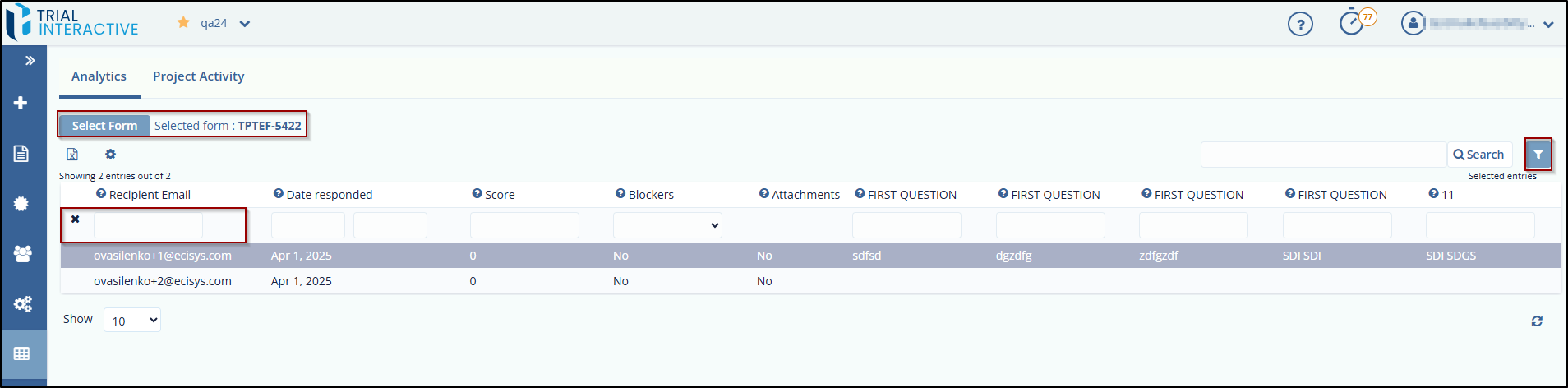
The Filter option allows you to search for a specific form report by applying filters to the columns in the table.
To apply a filter, follow these steps:
- Click the Filter icon on the toolbar. Textboxes will appear below each column header in the report table.
- Enter the desired filter criteria in the appropriate textbox and press Enter. The
report will display results matching the entered filter.
© 2025 Trial Interactive. All Rights Reserved

