
Form Types
Form Type is a mandatory field that is set while creating a new form.
To add Form Types, follow these steps:
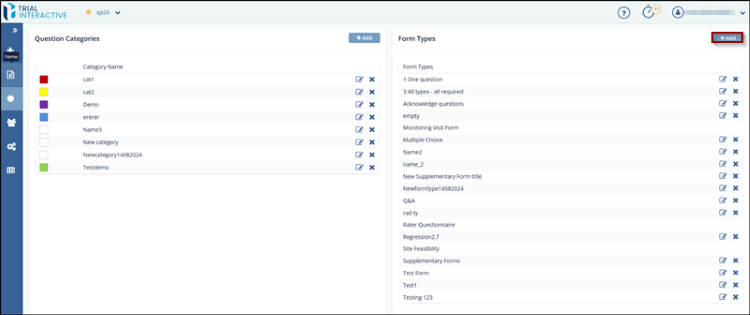
- Select Categories from the Menu Bar. The Categories window opens.
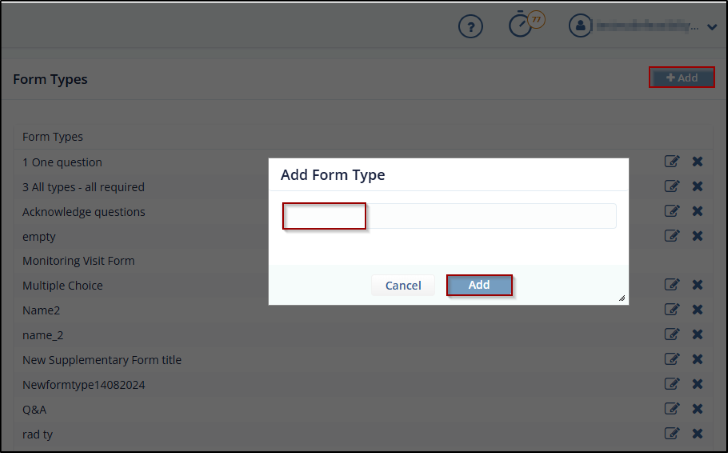
- Click the Add button from the Form Types section. The Add Form Type dialog box
opens. Refer to the screenshot below.
- Enter the Form Type and then click Add to add the Form Type to the list.
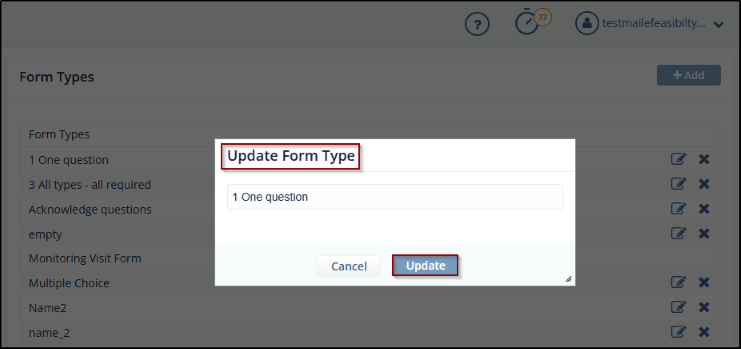
- To update an existing category, click the Edit icon next to the category name. The Update Question Category dialog box opens.
- Modify the Title and/or Color as needed, then click Update to save your
changes.
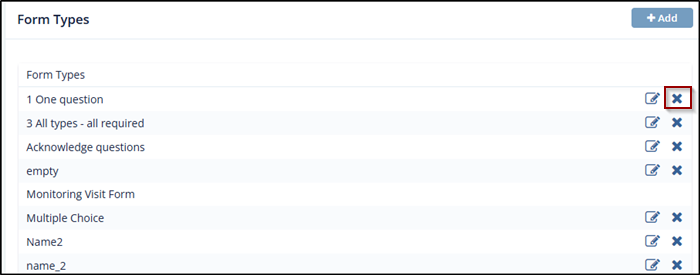
- To remove a category, click the Delete (cross)
icon next to the category name. The category is removed from the
list.
© 2025 Trial Interactive. All Rights Reserved

