
Mass Coding Sites
To perform mass coding for sites, follow the steps below:
-
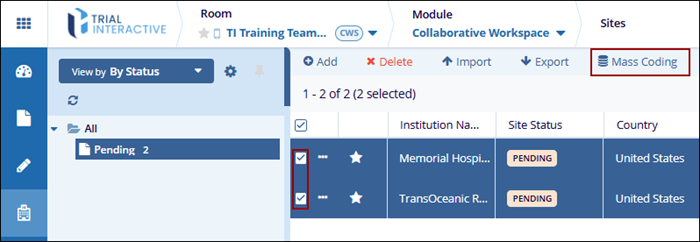
Select the site(s) to apply mass coding by checking the box next to the site name.
- Click Mass Coding at the top of the screen.
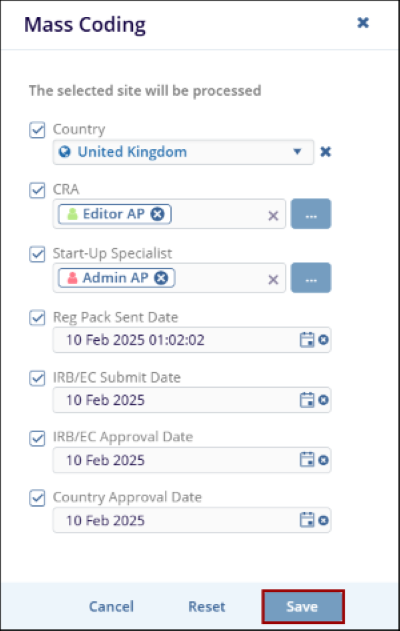
- In the Mass Coding dialog, select the relevant fields to code, such as CRA, Start-Up Specialist, or any other applicable fields, and fill in the details.
- Once all information is entered, click on the
Save button to apply the mass coding to the
selected site(s).
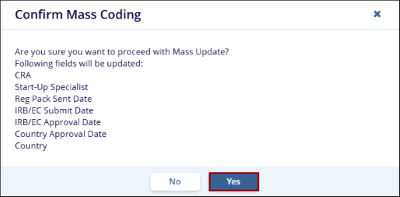
- On the confirmation popup, click on the Yes button.
© 2025 Trial Interactive. All Rights Reserved

