
Site Settings
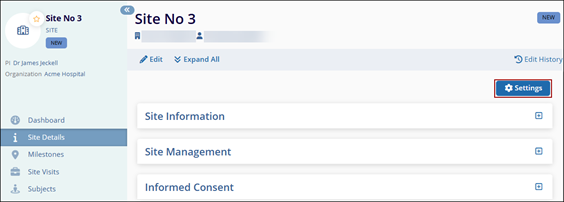
To access the site settings, follow the steps below:
- On the Site Details screen, click on the
Settings button.
- On the Access Permissions screen, provide access to the intended users at the site
level.
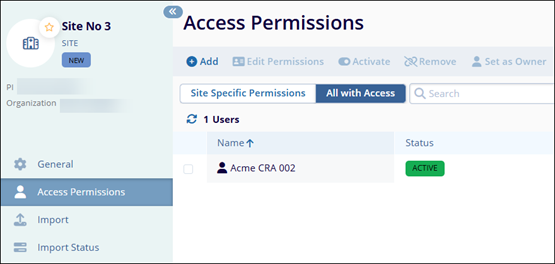 Note: Refer to the standard steps detailed Study Level access permissions to manage the access permissions at the site level.
 - On the Import screen, import the subjects at the site level using a pre-defined template.
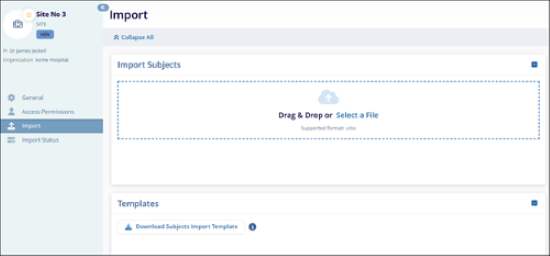
Note: Refer to the standard import steps detailed Study Level to import
subject within a site.
© 2025 Trial Interactive. All Rights Reserved

