
Edit Subjects Within Study
To view and edit subjects at a study level, follow any one of the methods below.
Method 1
- Navigate to the Study Details screen of a particular study to edit.
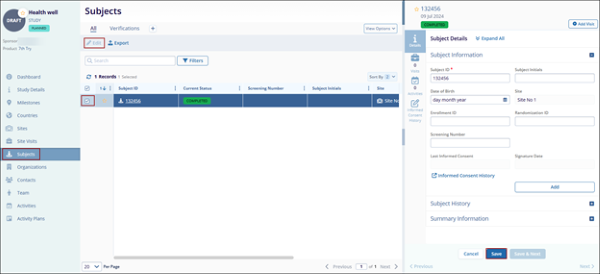
- Click on the Subjects link from the left-hand navigation pane.
- Select a subject by clicking on the Subject ID.
- Click on the Edit button, from the top menu bar.
- Within the Quick View panel on the right-hand side of the screen, navigate to each tab i.e., Details, Visits, Activities, Informed Consents, etc., and make the necessary changes in the relevant sections.
- Click on the +Add Visit button to create a subject visit record.
- Once all the changes are made, click on the Save button.
Method 2
- On the Subjects screen within the Study, click on the Subject ID.
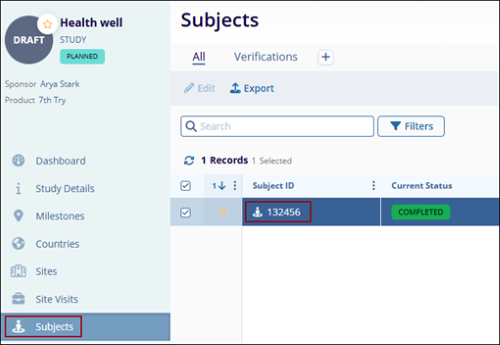
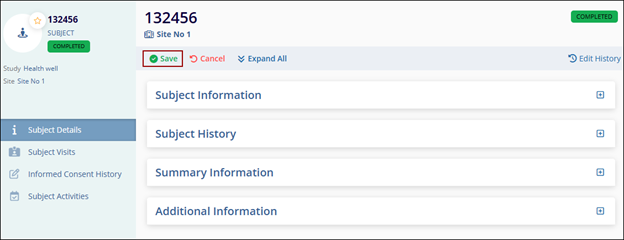
- On the Subject Details screen, click on the Edit button, from the top menu bar.
- Expand the following sections and make the required edits.
- Click on the Save button once all the changes are made.
© 2025 Trial Interactive. All Rights Reserved

