
Edit Organizations
Explore Job Aids for more help:
Job Aids
To edit an organization, follow the steps below:
Method 1
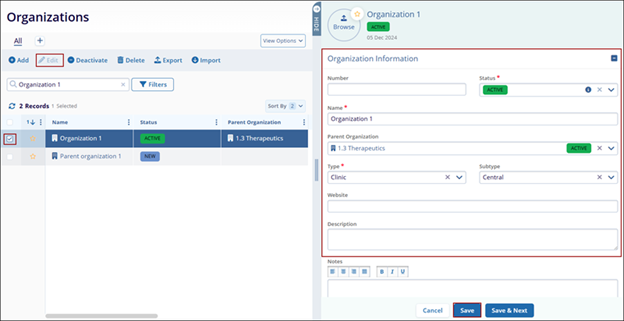
- Click the checkbox next to the organization name. Then, click the Edit button (pencil icon).
- Click the Edit button (pencil icon).
- On the Quick View panel, make the required edits.
- Click on the Save button.
Method 2
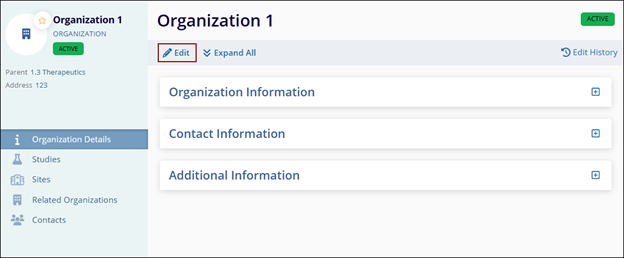
- Click on the Organization name to open the Organization Details screen.
- Click on the Edit button and make the required changes to the
organization.
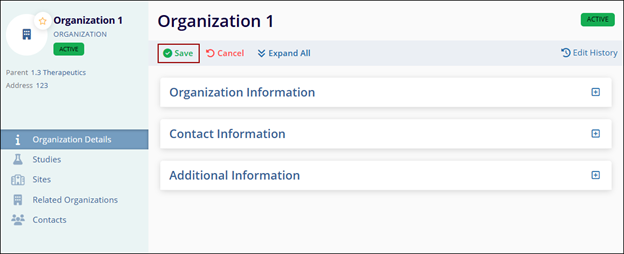
- Make changes to the Organization, Contact, and Additional Information sections and click
on the Save button.
© 2025 Trial Interactive. All Rights Reserved

